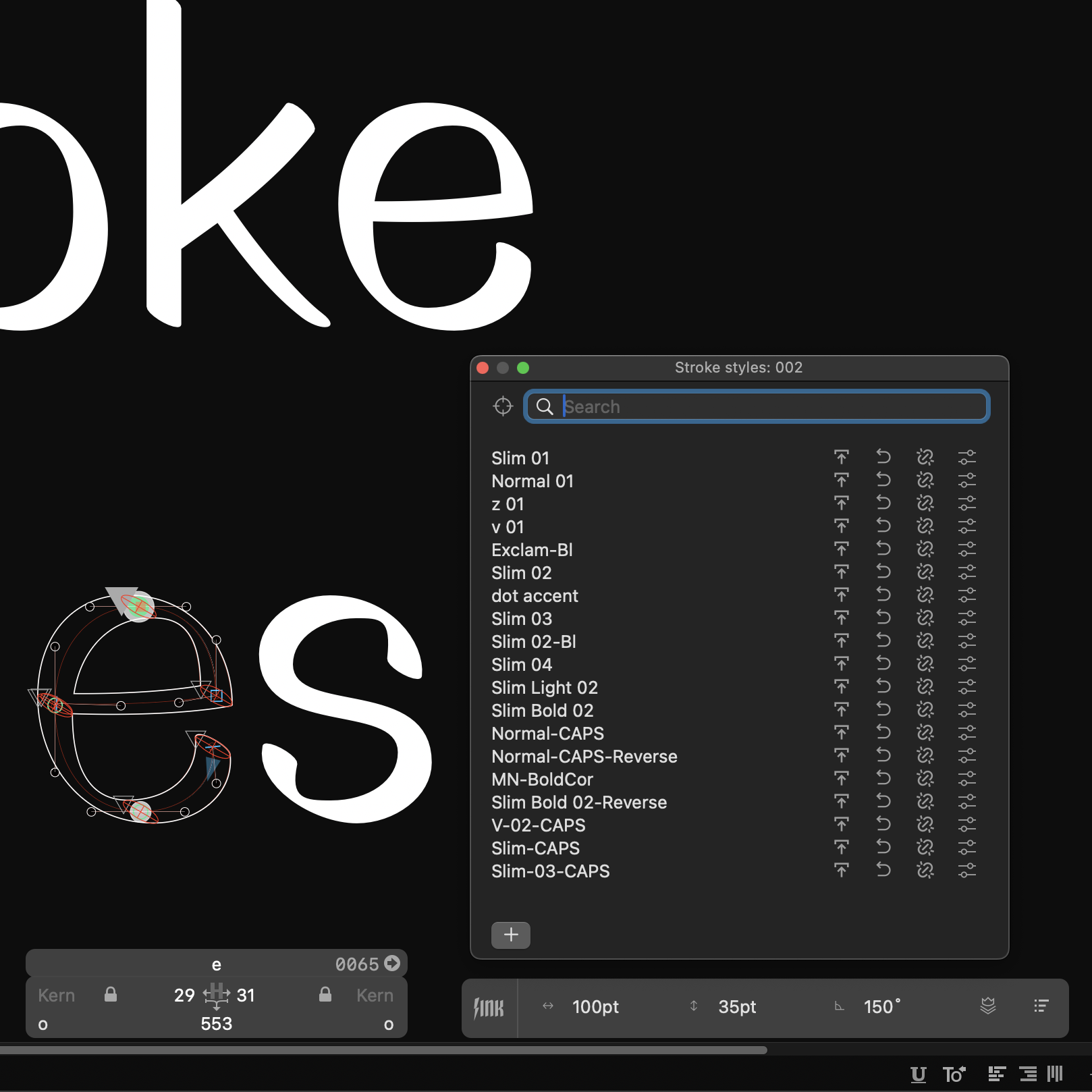


Stroke styles as a feature have been included in LTTR/INK from the very beginning. However, they haven't posses the enough space for it's use. Therefore we are introducing stroke styles window.
Stroke styles have been part of LTTR/INK since the beginning, but they've never had a proper space to shine – until now. We're excited to introduce the dedicated Stroke Styles Window, designed to help you work more efficiently with nibs across your entire font project.
This new window gives you a more organized way to store, apply, and manage stroke styles across multiple glyphs and masters. Whether you're creating consistent stems, arcs, or swashes, the Stroke Styles Window makes the process clearer and more intuitive.
What's new
- A dedicated panel for creating and managing all your stroke styles
- Quick application of styles to multiple nibs at once
- Easy updating of styles that instantly propagate across your entire font
- Smart filtering to find applied styles on selected nibs
- Search functionality to quickly locate specific styles
For Master variant users, this enhancement brings a more structured workflow when dealing with numerous nibs across complex projects. We've focused on making the interface clean and straightforward while adding powerful features like filtering and search to help you navigate even the longest lists of styles.
How to access it
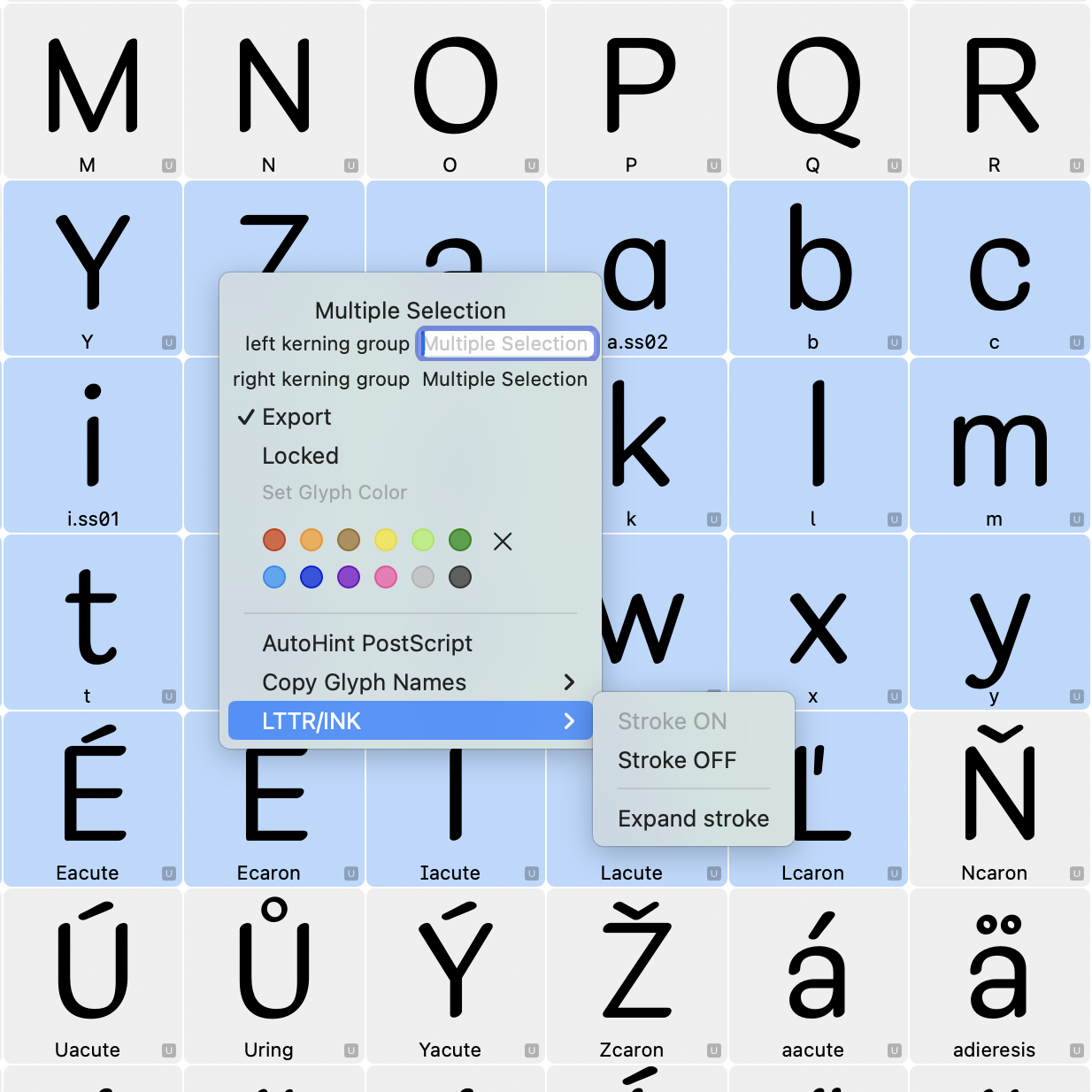
Simply navigate to the LTTR/INK panel and click the icon on the very right. Your stroke styles are now just a click away.
Ensure to read the updated tutorial on how to use the stroke styles to leverage the full potential of the feature.
We hope this new window helps streamline your workflow. As always, we welcome your feedback as you explore this feature.
PS: Have you visited About Us page?